Productivity

Free Online PDF Editor Without Signup

Written by John SmithSeptember 15, 2025

Working with PDF files is common in schools, offices, and personal use. Yet most people face the same challenge: they need to edit a PDF quickly, but paid software and complicated tools get in the way. The good news is that you can use a free online PDF editor without signup. No installation, no hidden costs, and no waiting. You just upload your file, make changes, and download or share it instantly.

One of the best options available is FlexFiles PDF Editor. It offers powerful editing features in a simple interface. Let’s explore how you can use it and why it is the right choice.

Why Choose a Free Online PDF Editor Without Signup

Traditional PDF tools often require signup, installation, or a subscription. This adds time and sometimes hidden charges. An online PDF editor removes all these barriers.

  • You don’t need to install software.
  • Files can be edited directly in your browser.
  • You save time since no registration is needed.
  • It works on any device with an internet connection.

For anyone who values speed and convenience, this is the smarter way to edit PDFs.

Editing Features Available in FlexFiles PDF Editor

FlexFiles is not just a basic PDF editor. It provides a complete range of features that usually require paid tools. All editing options are accessible without restrictions.

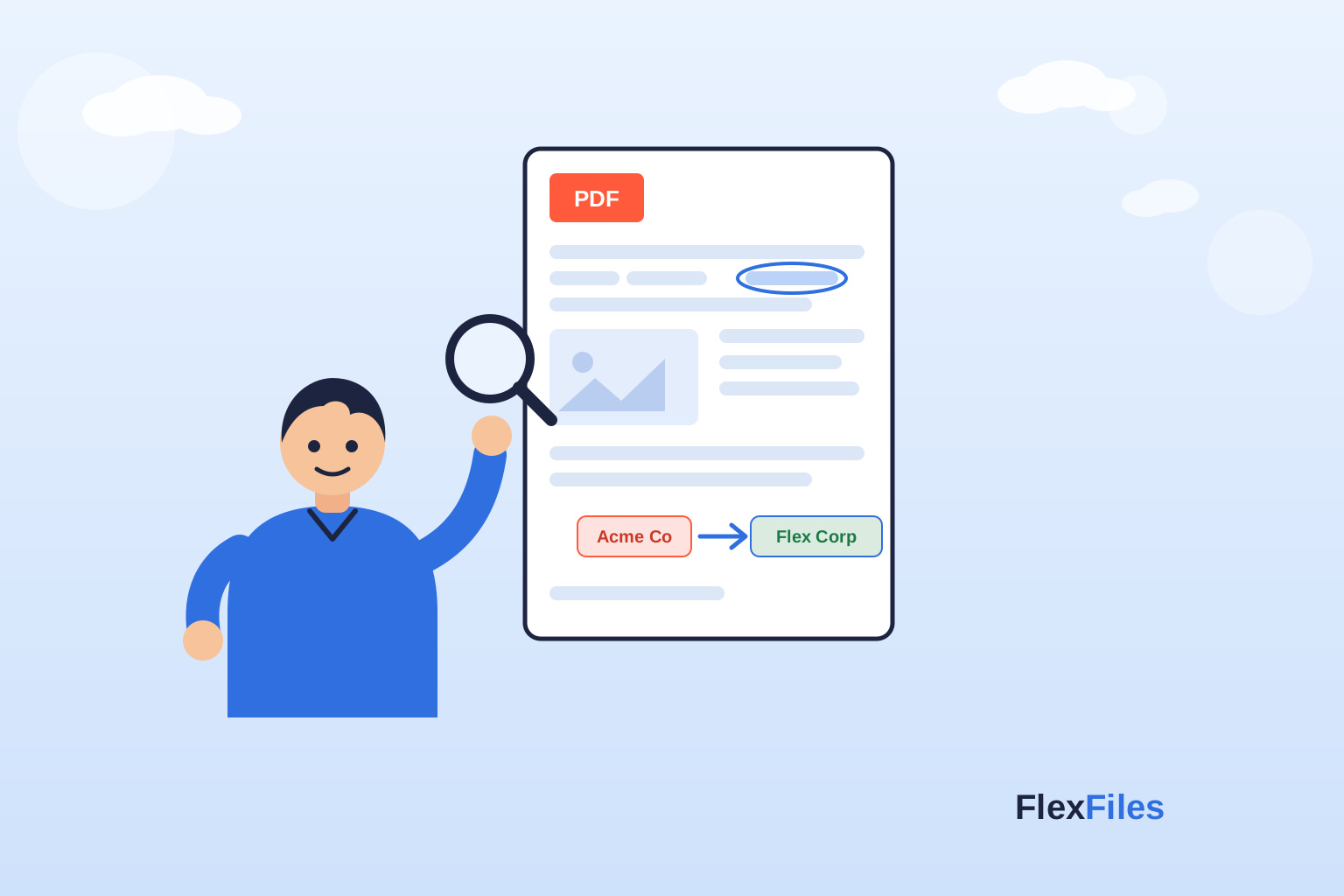
  • Add and Edit Text: You can easily add new text to your PDF or edit existing content. The text box is drag-and-drop, so you can place it anywhere. Fonts, sizes, and alignment are customizable for professional results.
  • Insert Images: If you need to add logos, graphics, or photos, the image tool makes it simple. Uploaded images are fully resizable and movable across the document.
  • Free Draw Tool: Sometimes you need to sketch or underline something in your own style. The free draw tool lets you use your mouse or touch device to draw directly on the PDF.
  • Shapes Library: Highlighting points with arrows, rectangles, or circles is effortless. Shapes can be dragged, resized, and layered as needed. This is perfect for marking documents, flow diagrams, or guides.
  • Highlight Text: Highlight important sections with a click. This makes your PDF easier to review or share with teammates.
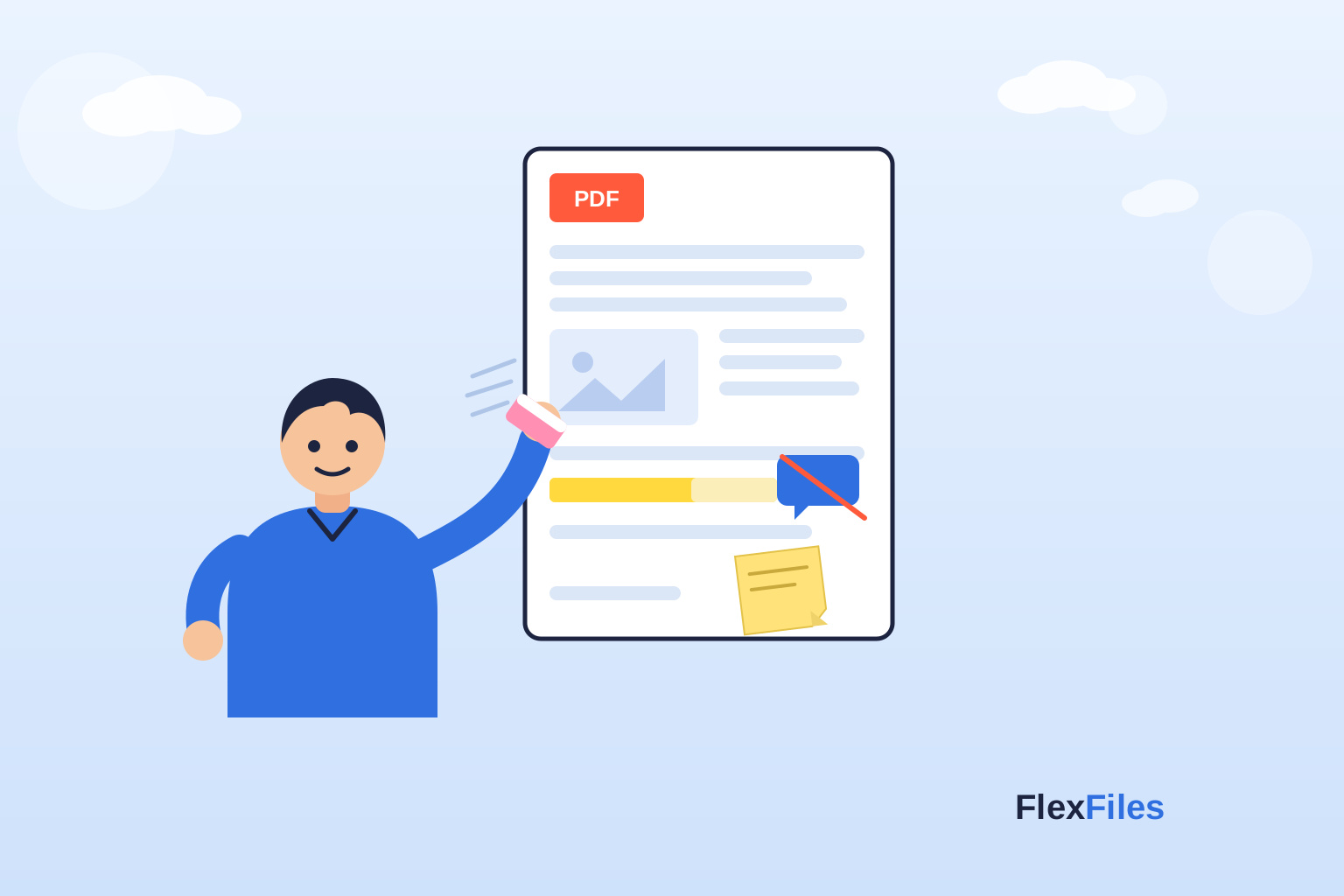
  • Eraser Tool: Made a mistake? Use the eraser to remove any unwanted edits instantly.
  • Signature Tool: Signing a PDF online is one of the most practical features. You can draw or upload your signature and place it wherever required.
  • Add Links: Interactive PDFs are useful for business and education. FlexFiles allows you to insert clickable links into your document.
  • Sticky Notes: Sticky notes help you add reminders or feedback. They remain movable, so you can organize your comments clearly.

Working with Layers

Every element you add appears in the layers panel. This gives you control over your edits. You can bring an element forward, send it back, or reorder them to keep your document clean and organized.

Rearranging PDF Pages

FlexFiles also lets you rearrange pages inside the PDF. Move pages forward or backward with ease. This is a big help when you need to reorder reports, assignments, or multi-page contracts.

Export Options

Once your editing is complete, you can save your file in different formats.

  • Export as PDF for sharing or printing.
  • Save as JPG for images.
  • Save as PNG for transparent backgrounds.

You can export a single page, a range of pages, or the full document. This flexibility makes the editor useful for many scenarios.

Merging Multiple PDF Files

If you have multiple documents, FlexFiles allows you to merge them. You can combine several PDFs and edit them as a single file. This removes the need to use separate tools for merging and editing.

No Signup, No Hidden Cost

Unlike many services that promise free tools but later ask for signup, FlexFiles is genuinely free. You don’t need to provide your email, credit card, or personal details. You just upload, edit, and export. This also means faster editing since there are no interruptions.

Common Questions People Ask About Free PDF Editors

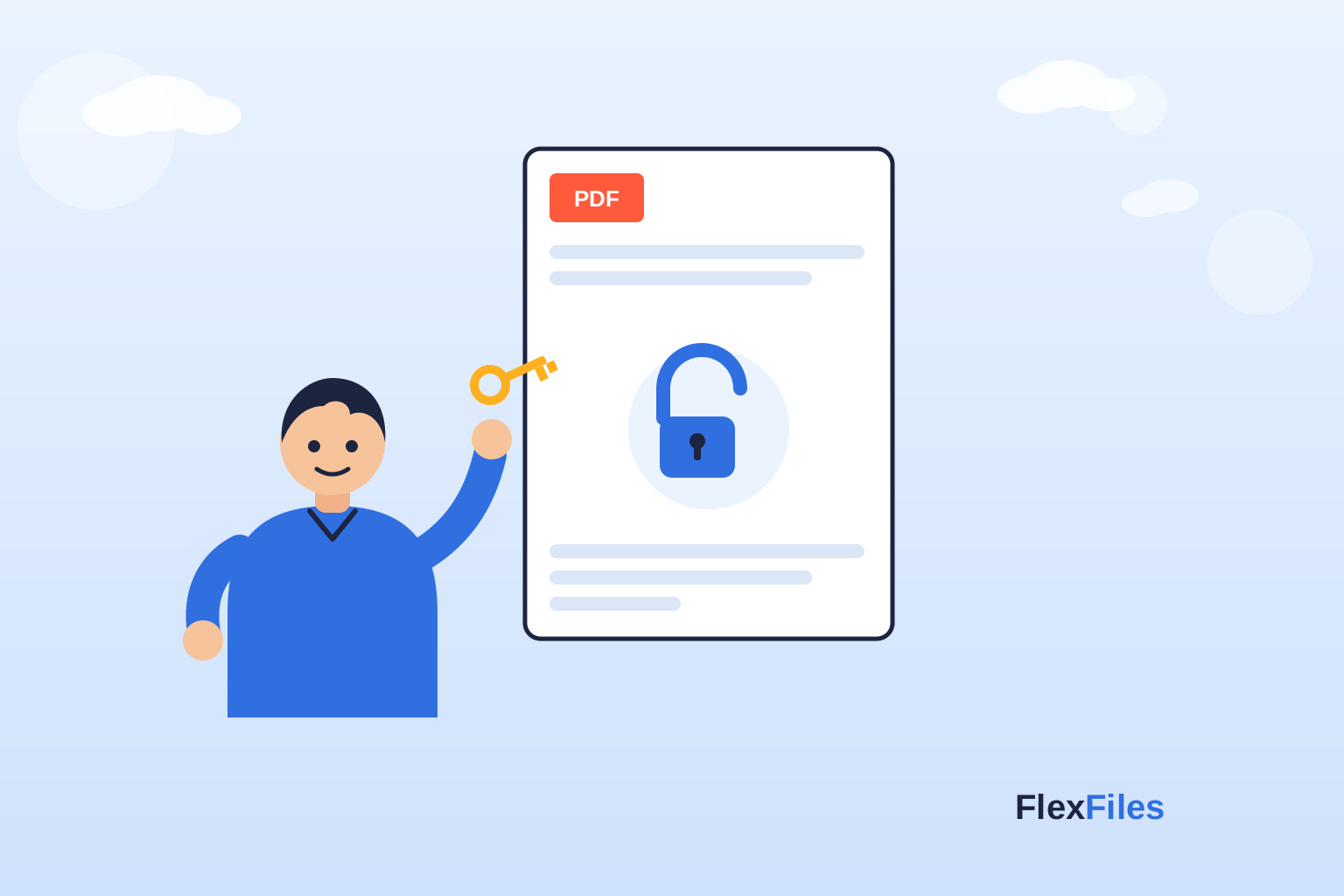
People often wonder if online editors are secure. FlexFiles works directly in your browser, and you can download or share the file with an optional expiry date and password protection. This ensures your files remain private.

Another common question is whether these tools limit usage. FlexFiles does not. You can edit unlimited files for free.

Some also ask if they can use it on mobile. Since it runs in the browser, you can access it on phones, tablets, laptops, or desktops without restrictions.

And what if you want to collaborate? FlexFiles lets you create a shareable link so others can view or download the file. You can also configure the link to expire or set a password for extra security.

Why FlexFiles is the Smarter Choice

FlexFiles stands out because it combines simplicity with advanced features. You don’t need technical skills, and you don’t face locked features behind a paywall. From adding text and images to merging PDFs, everything works seamlessly.

When compared to heavy desktop software, this online editor saves time, avoids installation, and provides instant results.

Conclusion

Editing PDFs no longer requires expensive software or lengthy signups. With tools like FlexFiles PDF Editor, you can edit, annotate, and organize PDF files completely free. Add text, images, highlights, and notes. Sign documents, rearrange pages, or merge multiple files with ease. Export them as PDF, JPG, or PNG in seconds.

If you want a reliable free online PDF editor without signup, FlexFiles is one of the best solutions available today.