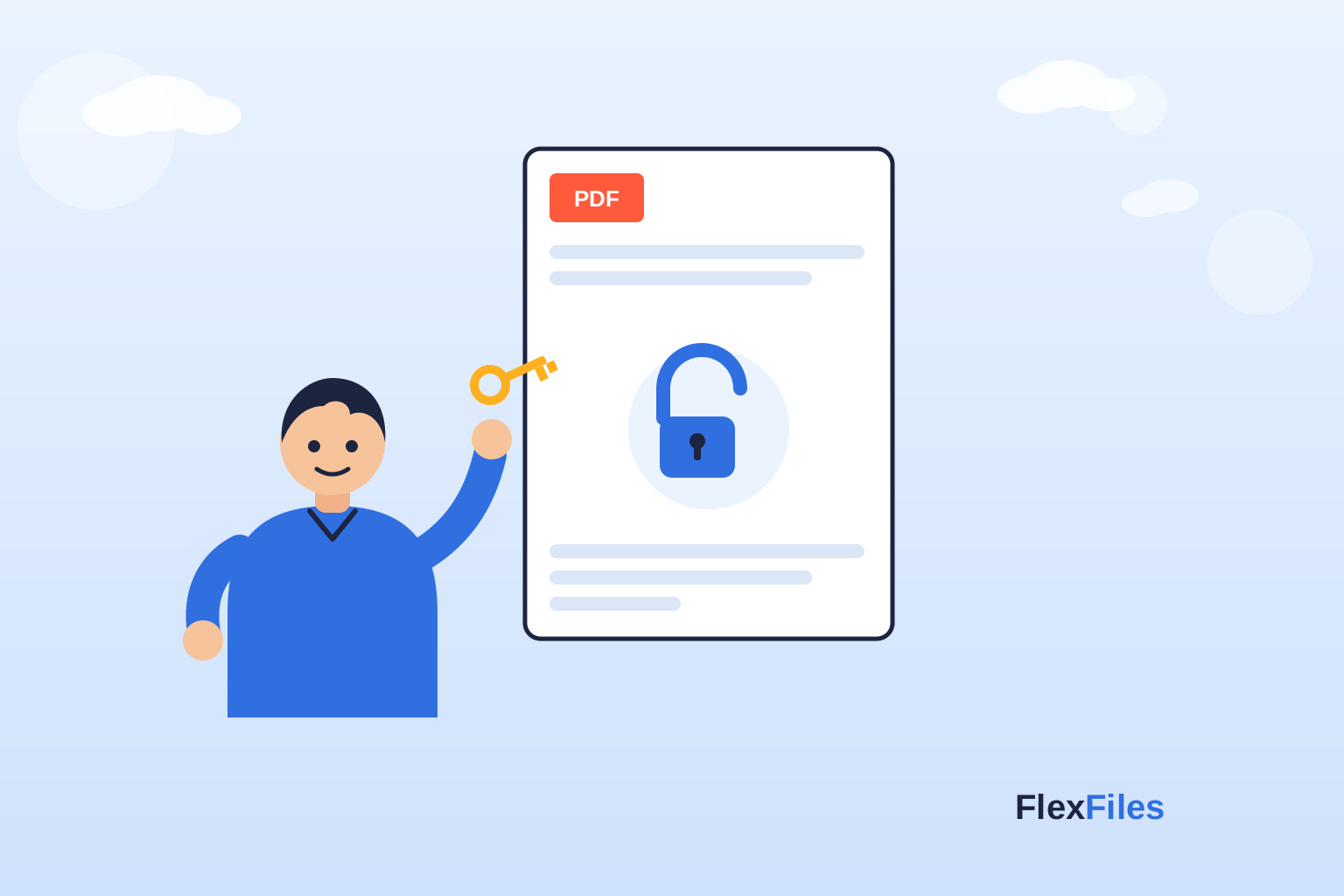
A PDF that asks for a password every single time you open it is fine the first time and tedious by the tenth — especially once it's your own document, or one you were sent to work from freely. The FlexFiles Unlock PDF tool removes that password requirement for good, free and online, in one step.
This is worth being upfront about: Unlock PDF removes password protection from a file you can already open. You enter the PDF's current password once, and the tool produces a copy of the same document with that requirement gone — it's for a PDF where you already know the password, not one where you've forgotten it.
It isn't a password cracker or a recovery tool. There's no legitimate, reliable way to guess or brute-force your way into someone else's locked PDF, and a tool that claimed to would either not work or exist for the wrong reasons. If you own the document or have a legitimate reason to access it, the password is the way in.
Your own archive. A password made sense while a tax document or contract was in transit. Once it's safely stored in your own files, re-entering that password every time you open it stops being useful and starts being friction.
Running it through other tools. Compressing, converting, OCRing, or editing a PDF usually requires opening it first — a password-protected file can block that step entirely until it's unlocked.
Sharing within a team that already has access. If a document was encrypted for transit to you specifically, and now needs to circulate inside a team that's already cleared to see it, passing round the password with every copy is more friction than protection.
Printing or presenting. A locked PDF prompting for a password mid-presentation, or when a colleague tries to print it from a shared drive, is exactly the kind of interruption removing the password avoids.
Unlocking a PDF takes three steps:
1. Open the Unlock PDF tool and upload your password-protected file.
2. Enter the PDF's current password — the one you already use to open or edit it.
3. Download the unlocked copy. It opens directly, with no password prompt, and the original file is left untouched.
If the PDF came from someone else, the fastest legitimate route is simply to ask them for the password — most senders can supply it or regenerate the document without one. If you set the password yourself and it's gone, check a password manager or the notes from when the file was created before assuming it's unrecoverable. There's no responsible shortcut around a password on a document you don't have the right to open.
Unlock PDF and Protect PDF are a pair: one removes a password, the other adds one. It's common to use both in sequence — unlock a document to edit or process it freely, then run it back through Protect PDF afterward with a new password before it goes back out to anyone who shouldn't have unrestricted access. Neither tool is a substitute for the other; which one you need depends on whether the document is about to be more open or more restricted.
A password that's doing its job during transit becomes dead weight once a document is safely yours to work with — Unlock PDF removes it in one step, as long as you already know what it is. Try the Unlock PDF tool free, no account needed.