Productivity

How to Add Notes and Comments to a PDF Free

Written by John SmithOctober 4, 2025

PDF files are widely used for reports, contracts, assignments, and presentations. But when it comes to collaboration, reviewing a PDF can be difficult without the right tools. Many people still print PDFs to add handwritten notes, which wastes time and makes sharing harder. The better option is to add notes to PDF free with an online PDF editor.

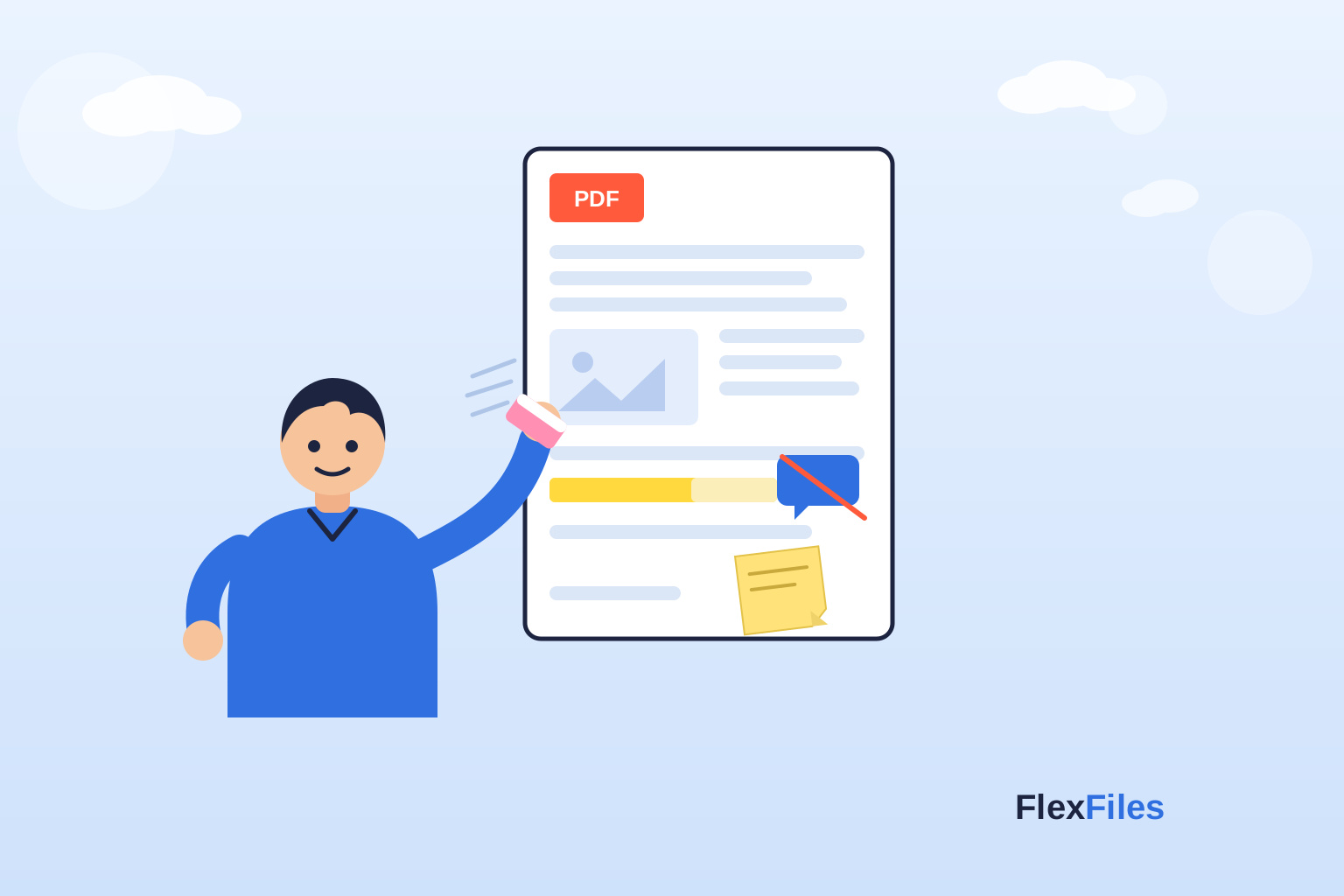
Using tools like FlexFiles free PDF editor, you can insert sticky notes, highlight important sections, and leave comments directly in the document. This makes feedback clear, digital, and easy to share with others.

Why Add Notes to PDFs Online

Adding notes and comments directly into a PDF has many benefits for teams, teachers, businesses, and individuals.

  • Collaboration: Multiple reviewers can leave feedback on the same file.
  • Clarity: Notes appear directly next to the related content.
  • Time-saving: No need to print and scan documents.
  • Professional: Digital notes look clean and organized.
  • Accessibility: Anyone with the file can view the comments instantly.

This makes online annotation one of the most effective ways to review documents.

How to Add Notes to PDF Free

Adding notes to a PDF online is simple. Here’s how you can do it:

  • Open a free online PDF editor like FlexFiles.
  • Upload your PDF file to the editor.
  • Select the sticky note or comment tool.
  • Click anywhere on the page where you want to add a note.
  • Type your comment and save it.

Your notes stay attached to the PDF and can be viewed by anyone who opens the file.

Highlighting and Commenting for Reviews

Notes are just one part of PDF collaboration. Highlighting text is another effective way to give feedback.

  • Use the highlight tool to mark important text.
  • Combine highlights with sticky notes for context.
  • Apply different colors to organize feedback (e.g., yellow for general comments, red for urgent issues).

This method is widely used in education and business settings to review drafts, reports, or assignments.

Collaboration in Teams

For businesses and academic groups, collaboration is crucial. A free PDF editor helps teams review the same file without confusion.

  • Team members can add notes to specific sections.
  • Comments remain visible for everyone, reducing miscommunication.
  • Managers or teachers can give detailed feedback directly in the document.
  • Multiple versions of feedback are no longer needed.

With FlexFiles, team collaboration becomes smooth since all notes are stored inside the PDF itself.

Reviewing Contracts and Reports

One of the most common uses of adding notes to a PDF is reviewing contracts, reports, and proposals. Instead of sending long email threads with feedback, you can:

  • Insert sticky notes next to clauses in a contract.
  • Highlight areas that need revision.
  • Add reminders for approval signatures.
  • Annotate financial or project reports for corrections.

This improves workflow and ensures everyone sees the same comments.

Why Choose FlexFiles to Add Notes to PDFs

Many online tools limit free annotation or require signup. FlexFiles is different because it provides professional-level editing without restrictions.

Benefits include:

  • Completely free: No subscription or hidden charges.
  • Secure editing: All changes happen in your browser. Files are not stored on servers.
  • Sticky notes & comments: Add, move, and edit notes easily.
  • Highlight & annotation tools: Customize highlights with colors.
  • Collaboration-ready: Perfect for team reviews, teacher feedback, and business approvals.
  • Export options: Save the final document with all notes included.

For anyone who needs to add notes to PDF free, FlexFiles offers one of the simplest and most secure options online.

Best Practices for Adding Notes to PDFs

  • Keep your comments short and specific.
  • Use highlights along with notes for clarity.
  • Organize feedback with different note colors.
  • Always save a backup of the annotated file.
  • If working in teams, agree on color codes for highlights.

Conclusion

Adding notes and comments to PDFs is essential for collaboration and review. Whether you are a student, teacher, or business professional, a free PDF editor lets you insert sticky notes, highlight text, and leave clear feedback. With FlexFiles free PDF editor, you can add notes to PDF free, securely, and without signups.

This simple solution makes reviewing contracts, assignments, and reports easier than ever, keeping collaboration fast, organized, and professional.