Productivity

How to Convert PDF Documents to Word Using FlexFiles
Written by John SmithSeptember 10, 2025

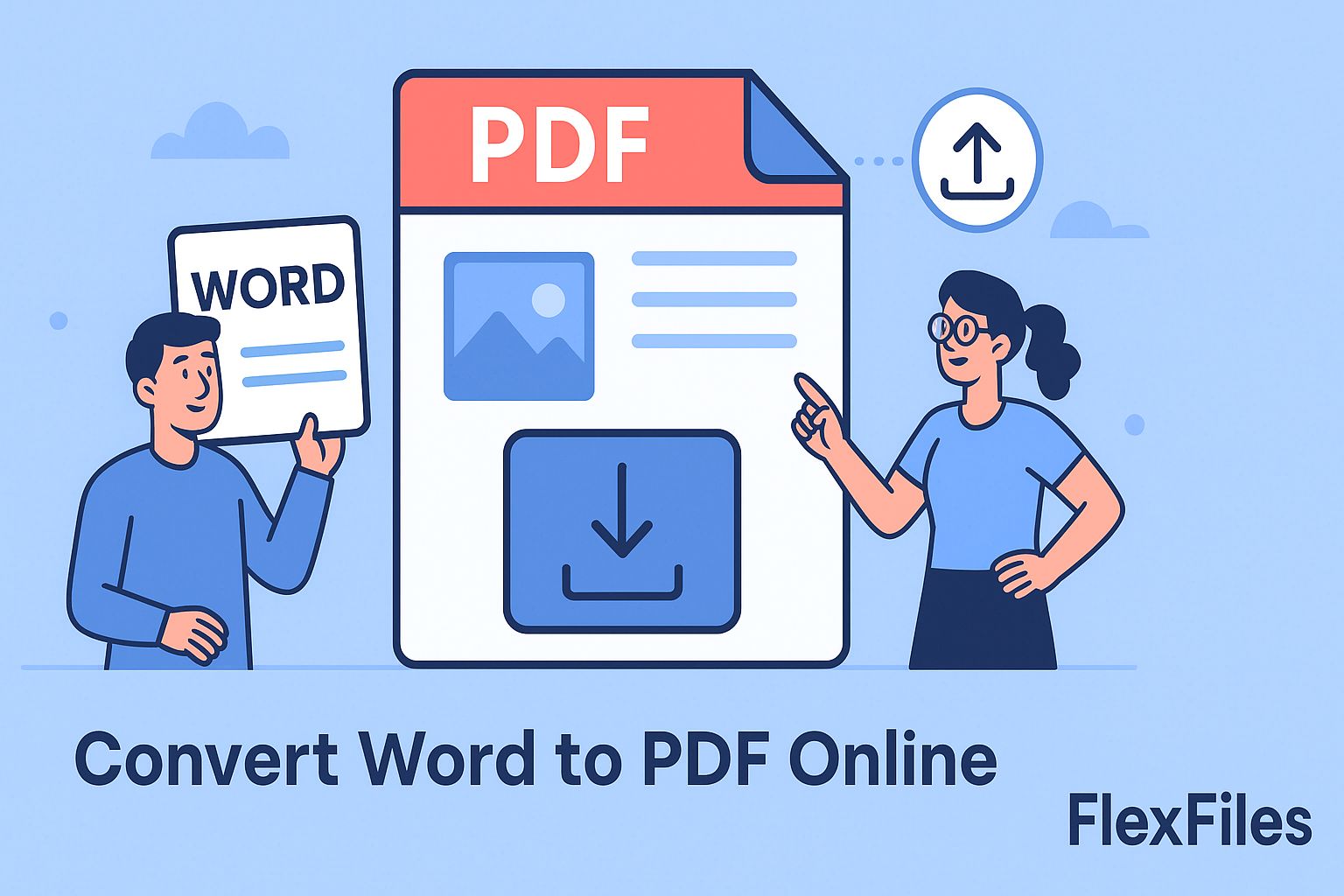
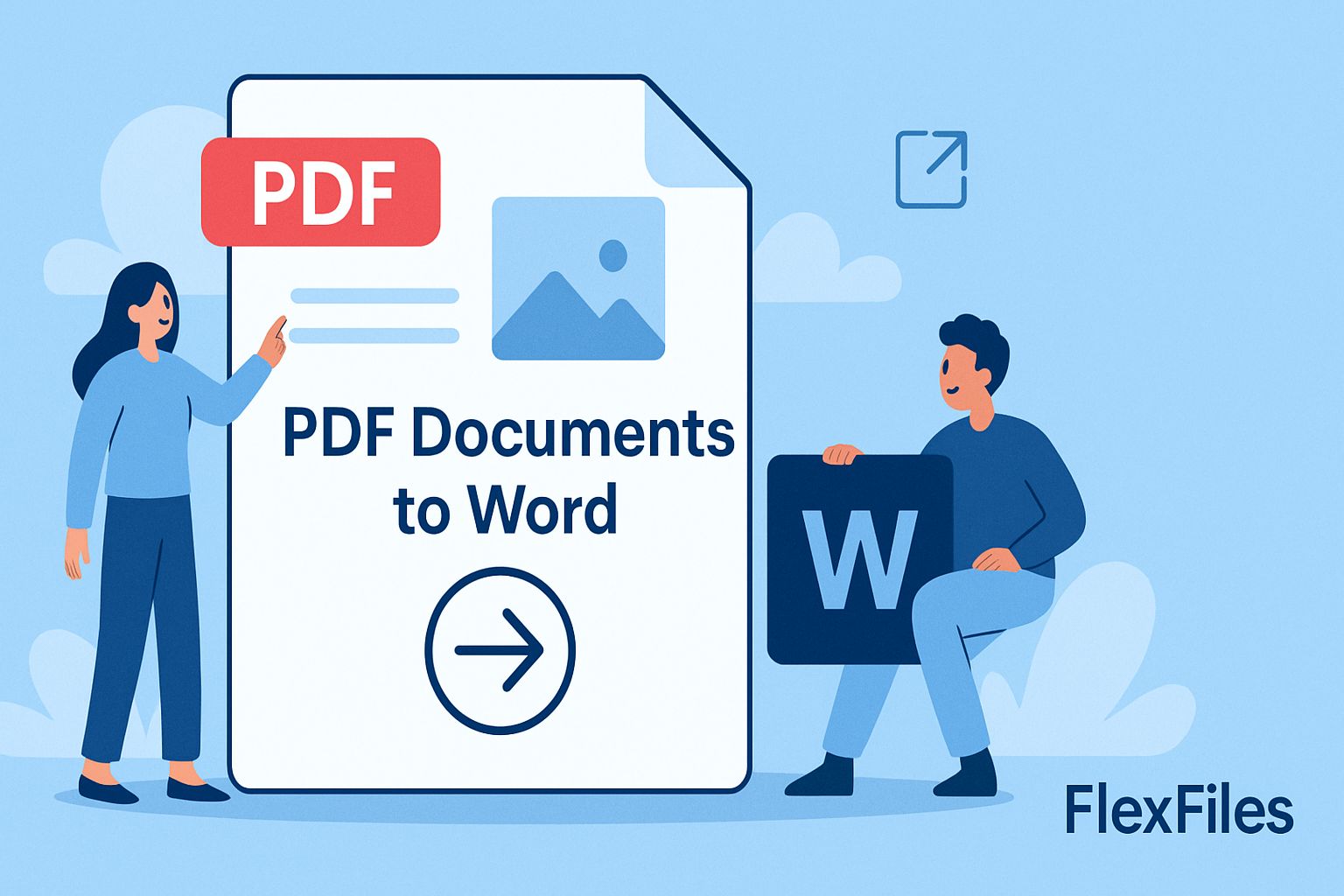
Editing PDF files can be challenging because the content is usually locked. Converting PDF to Word solves this problem by making your documents editable while keeping the original formatting. FlexFiles provides a free online PDF to Word converter that allows you to transform PDFs into Word files quickly and efficiently. This guide explains how to use FlexFiles to convert your PDFs to Word and manage your converted documents.

Why Convert PDF to Word?

PDFs are widely used for sharing documents because they preserve the layout across devices. However, editing a PDF is often difficult. Converting PDF to Word allows you to modify text, adjust tables, and add or remove content. This is helpful for updating reports, academic papers, business proposals, and other documents. Using an online converter like FlexFiles avoids installing software and lets you convert files instantly.

How FlexFiles Simplifies the Conversion Process

FlexFiles simplifies the conversion process. First, upload your PDF file to the converter. The tool processes your document and produces a Word file that retains the original formatting. You can then preview the Word document to make sure everything is correct. After reviewing, you can download the file directly or create a secure shareable link. This makes it easy to send the converted Word document to colleagues or collaborators.

Key Features of FlexFiles' PDF to Word Converter

FlexFiles stands out among free PDF to Word converters for several reasons. It preserves table structures, headers, footers, and images during conversion. The tool works with scanned PDFs and maintains complex layouts. It allows batch PDF to Word conversion for multiple documents, saving time. Users can manage converted files efficiently with options to download or share via password-protected links. FlexFiles ensures your documents remain secure during the entire process

Managing Your Converted Files

After converting PDF to Word, FlexFiles makes file management simple. You can download the Word file to your device or share it via a secure link. The platform allows you to track all converted files and manage shared links. You can even set expiration dates or password protection for links, ensuring that only intended recipients can access the files. This level of control is ideal for professionals who handle sensitive documents

Security and Privacy Considerations

FlexFiles takes privacy seriously. All PDF to Word conversions are encrypted during processing. Converted files are automatically deleted from the server after a short period. Users can confidently convert sensitive reports, legal documents, or financial files without worrying about security breaches.

Practical Applications of PDF to Word Conversion

Converting PDF documents to Word files is beneficial in various scenarios:

  • Business Reports: Edit and update financial reports, proposals, and presentations
  • Academic Papers: Modify research papers, essays, and lecture notes for further study or submission.
  • Legal Documents: Update contracts, agreements, and other legal paperwork.
  • Creative Projects: Adapt designs, brochures, and other creative materials for different formats

FlexFiles offers a powerful, free, and secure solution for converting PDF documents to fully editable Word files. Its user-friendly interface, advanced features, and commitment to privacy make it an excellent tool for anyone needing to extract and manipulate content from PDFs. Whether you're working on business, academic, or creative projects, FlexFiles streamlines the conversion process, saving you time and effort.