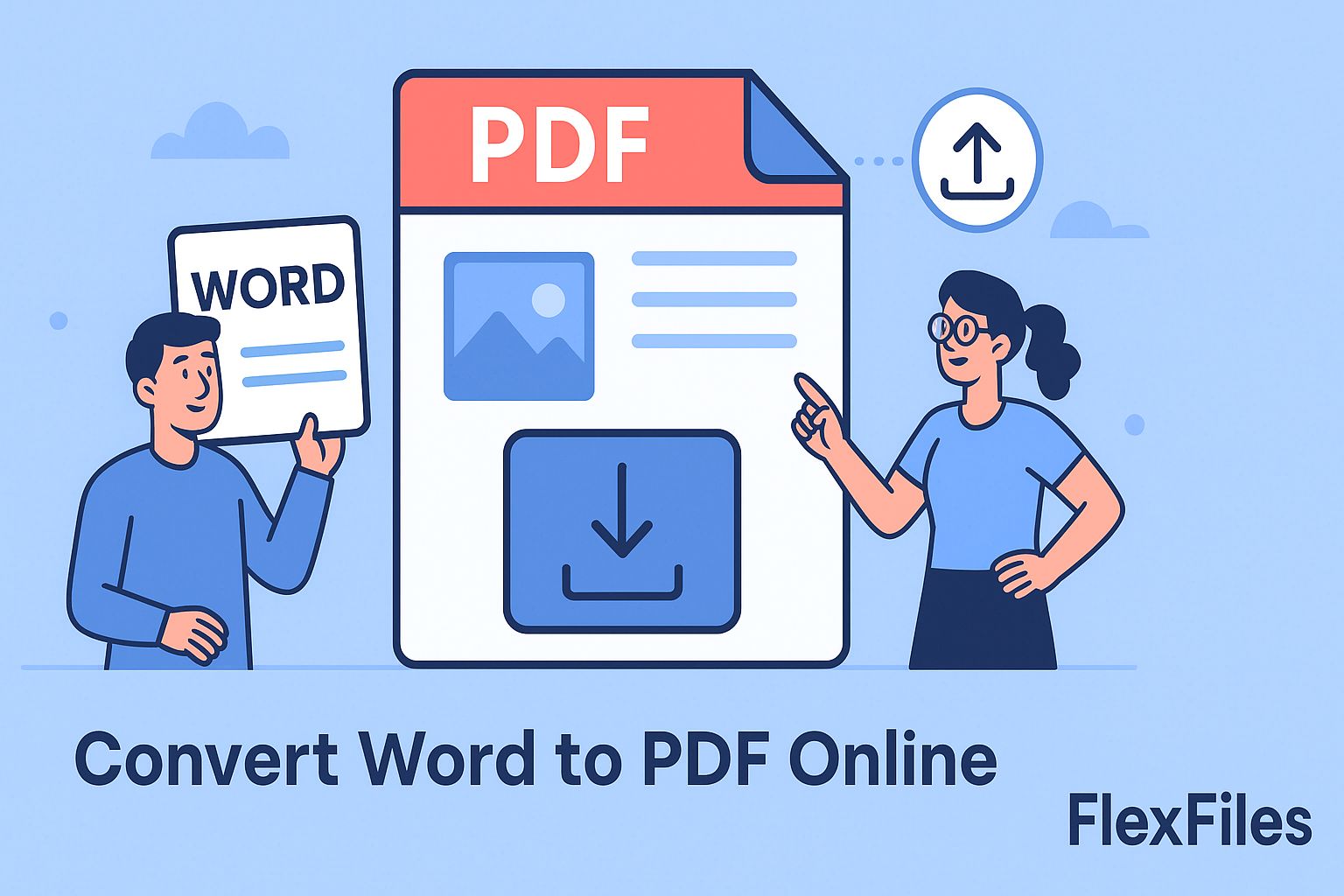
Open the same Word file on two different computers and it doesn't always look the same — a font substitutes, a table shifts, an image moves. PDF exists precisely to stop that.
The FlexFiles Word to PDF tool converts a document in your browser and keeps it looking exactly as designed, wherever it's opened next.
Why This Matters
- Students submit assignments that keep their formatting and can't be silently edited.
- Professionals send reports, invoices, and contracts that hold their layout.
- Job seekers get a resume that looks the same on every recruiter's screen.
- Educators share notes and test papers that are easy to distribute securely.
What PDF Fixes That Word Doesn't
- Consistent appearance — the same file looks identical on Windows, macOS, or mobile.
- Harder to edit — useful for anything that's meant to be final.
- Smaller files — often lighter than the original Word document.
- Opens anywhere — no extra software needed to view it.
How to Convert Word to PDF
- Open the tool and upload your .doc or .docx file.
- The conversion runs immediately.
- Preview the result.
- Download the PDF, or generate a shareable link — optionally with a password or expiry.
It works the same on desktop, tablet, or phone.
Everyday Use
- Students submitting essays without formatting breaking on the way in.
- Freelancers sending polished proposals and portfolios.
- Businesses sharing policies and contracts with teams or clients.
- Job seekers uploading resumes to application systems that expect PDF.
What This Actually Solves
- Fonts not rendering correctly — PDF locks the formatting in.
- Files too large for email — PDF output is typically more compact.
- Layout breaking across devices — PDF looks the same everywhere.
- Unwanted edits — a PDF is harder to casually alter than a Word file.
Conclusion
Converting to PDF is the simplest way to make sure a document looks the same for everyone who opens it. Whether it's a resume, an assignment, or a contract, FlexFiles Word to PDF keeps it exactly as you built it.
Convert your Word document now with the FlexFiles Word to PDF tool. Need to go the other direction? The PDF to Word converter turns any PDF back into an editable document — free, no account needed.