Remove Pages from PDF Free: How to Delete PDF Pages Online
PDF files are often long, containing extra pages you don’t really need. Maybe you downloaded a large report but only require certain chapters. Perhaps a scanned document has blank pages. Or maybe you just want to clean up a file before sending it to someone else. In such cases, you need to remove pages from PDF free of cost without wasting time.
While many people think this requires expensive software like Adobe Acrobat, the truth is you can delete PDF pages online free using secure and reliable tools. With just a few clicks, you can upload your file, select the pages you don’t want, and download a polished version of your PDF.
In this guide, we’ll show you how to do it easily, why online editors are a better choice than software, and how to keep your files safe during the process.
Why Delete Pages from a PDF?
There are countless scenarios where removing PDF pages is useful:
- Remove unnecessary pages – Extra cover sheets, blank pages, or irrelevant content.
- Clean up scanned documents – Eliminate duplicates or misaligned scans.
- Shorten files for sharing – Reduce file size by deleting unneeded sections.
- Prepare professional documents – Share only the pages that matter with clients or employers.
- Organize study materials – Students can remove chapters or sections they don’t need.
Instead of re-creating the document, simply remove unwanted pages and keep the rest intact.
Why Use an Online PDF Page Remover?
Online tools offer several advantages over installing desktop software:
- Free Access – No subscription required.
- No Installation – Everything runs in your browser.
- Fast Processing – Upload, edit, and download in minutes.
- Cross-Platform Support – Works on Windows, macOS, Linux, tablets, and even smartphones.
- User-Friendly – Simple drag-and-drop interface with no technical learning curve.
- No Signup Required – Tools like FlexFiles PDF Editor
This makes online tools ideal for both quick one-time edits and frequent PDF management.
Best Free Tool to Delete PDF Pages Online
One of the most efficient ways to delete PDF pages online free is by using FlexFiles PDF Editor. It provides a full suite of editing tools along with secure file handling.
Key Features:
- Delete unwanted PDF pages instantly.
- Rearrange pages into the correct order.
- Merge multiple PDFs and remove unnecessary pages.
- Export updated documents in PDF, JPG, or PNG.
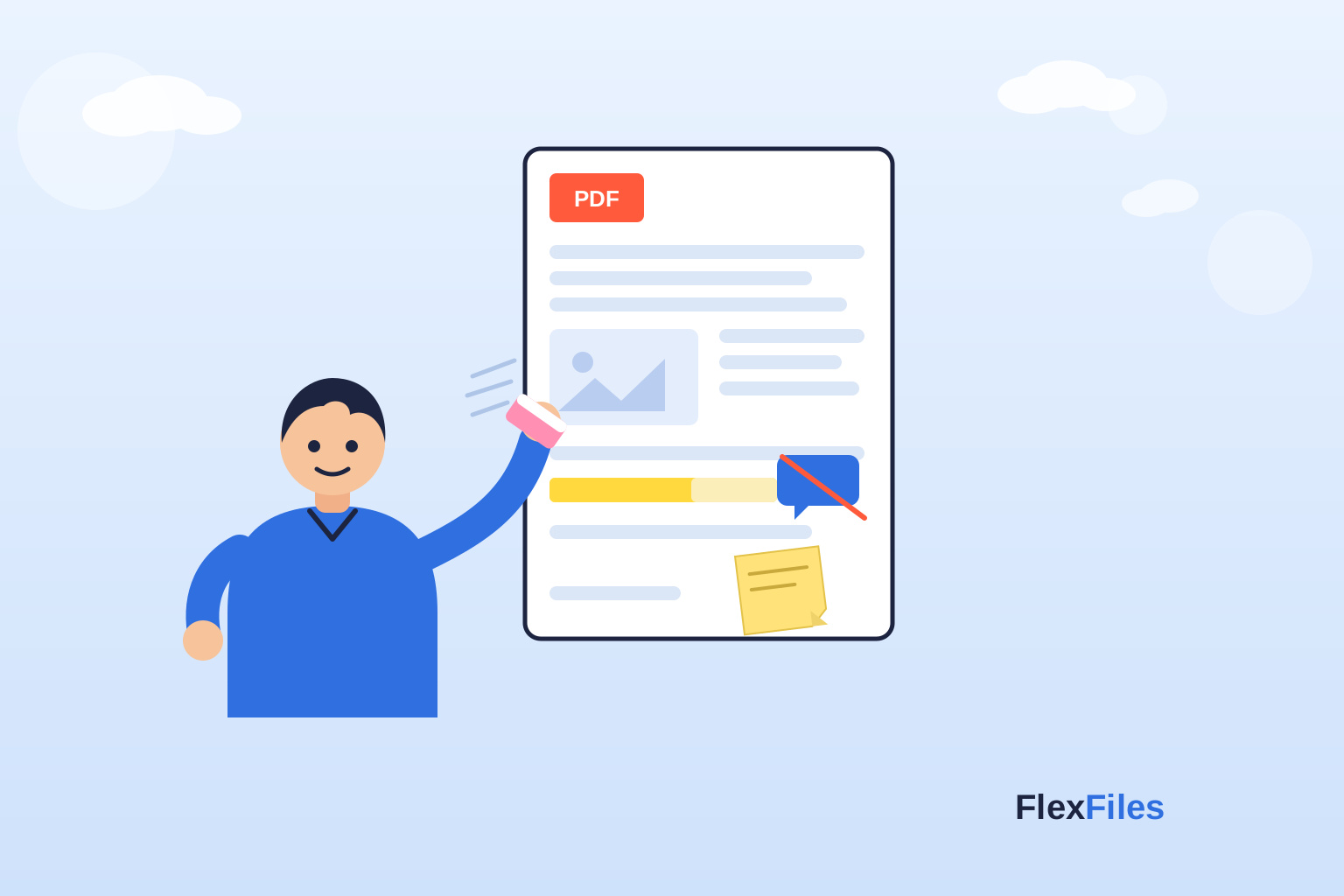
- Manage elements like text, images, highlights, and notes.
Unlike many free tools that add watermarks or limit the number of pages, FlexFiles allows unrestricted use.
Step-by-Step Guide: Delete PDF Pages Online Free
Here’s how to quickly remove pages from a PDF:
- Open the Editor – Go to FlexFiles PDF Editor
- Upload Your PDF – Drag and drop the file or select from your device.
- Open Page Manager – Navigate to the “Rearrange Pages” option.
- Select Pages to Delete – Choose the unwanted pages and remove them.
- Rearrange if Needed – Drag and drop to reorder remaining pages.
- Save Your File – Export as a PDF, or convert to JPG/PNG if required.
- Download Securely – Get your updated document instantly.
In less than a minute, you can clean up your file and make it ready to use.
More Than Just Page Deletion
FlexFiles offers more than page removal. Once your file is uploaded, you can also:
- Add or edit text to update details.
- Insert images or logos for branding.
- Highlight important sections for study or review.
- Add sticky notes to leave reminders.
- Sign contracts with a digital signature tool.
- Draw and use shapes like arrows and rectangles.
- Erase mistakes from scanned documents.
- Merge multiple PDFs and then delete unnecessary pages.
This makes it a complete editor rather than just a single-use tool.
Security of Online PDF Page Removal
Many users worry about uploading sensitive PDFs online. That’s valid—but FlexFiles ensures strong security:
- Temporary Processing – Files are processed for editing and not stored long-term.
- Password Protection – You can secure shared files with a password.
- Link Expiry – Control who can access your edited PDF.
- No Signup Required – Edit anonymously without exposing personal details.
This means you can confidently use the tool even for confidential contracts or documents.
Who Should Use This Tool?
- Students – Simplify study materials by deleting unneeded chapters.
- Teachers – Share customized worksheets by removing sections.
- Freelancers – Clean up contracts and invoices before sending.
- Businesses – Share concise reports by eliminating unnecessary pages.
- General Users – Remove extra pages in scanned documents.
Why FlexFiles is the Best Free Choice
Other free editors may impose restrictions, but FlexFiles is built for complete flexibility:
- Free to use with no hidden costs.
- Full editing capabilities beyond just deleting pages.
- Secure file handling with password protection.
- Cross-device compatibility for work on the go.
- Clean, watermark-free downloads.
It’s a reliable, all-in-one solution for managing PDFs online.
Conclusion
Whether you’re cleaning up scanned documents, shortening a lengthy report, or preparing a professional file, the ability to delete PDF pages online free is essential. With FlexFiles Free PDF Editor , you can remove unwanted pages, reorder content, and export polished files—all without software or subscriptions.
Fast, secure, and user-friendly, it’s the perfect solution for students, professionals, and anyone who needs quick PDF edits. Next time you need to clean up a file, don’t waste money on paid software—just open FlexFiles and get it done instantly.