Free Draw on PDF Online — Draw on PDFs with a Mouse or Stylus—Smooth Lines, Clean Output
Handwritten notes are fast. They are natural. They help you think. When you sketch on a document, you add meaning where it matters. With FlexFiles, you can free draw on PDF online right in your browser. You do not install software. You do not upload to a server. Your file stays private while you draw smooth lines with a mouse, trackpad, or stylus. This guide shows you how to get clean output, simple controls, and pro results without friction.
Why drawing on PDFs still matters
Typed comments are clear. Yet they can slow you down. Sometimes you need a quick arrow. Or a rough diagram. Or a circle around a number. When you free draw on PDF online, your idea lands in seconds. You keep context. You keep momentum. You reduce back-and-forth messages.
Drawing is powerful for:
- Marking changes on drafts
- Sketching layout options
- Highlighting figures and formulas
- Coaching students or teammates
- Capturing ideas during reviews
The key is quality. Your lines must look smooth. Your export must look clean. FlexFiles delivers both.
Meet FlexFiles: draw in your browser with zero clutter
FlexFiles is a fast, free online PDF editor. You open a file and start drawing. It works with modern browsers. You can use a mouse, trackpad, or stylus. The ink feels stable. The output looks sharp.
Core strengths:
- In-browser editing: We do not store your files. Processing happens on your device.
- Smooth ink: Lines render cleanly at any zoom.
- Precise controls: Adjust stroke size, opacity, and color in one place.
- Export you can trust: Save to PDF, PNG, or JPEG without jagged edges.
Start here: FlexFiles PDF editor — free draw on PDF online.
Step-by-step: how to free draw on PDF online with FlexFiles
You can add your first line in under a minute.
- Create a free account and open the editor.
- Upload your PDF from your device.
- Choose the Draw tool on the toolbar.
- Pick stroke color and width. Keep it readable against your page.
- Draw with mouse or stylus. Hold steady. Zoom in for detail work.
- Use Undo to roll back a stroke.
- Move or delete marks if needed.
- Export as PDF, PNG, or JPEG with your drawings baked in.
This is the cleanest way to free draw on PDF online and ship a draft that looks intentional.
Mouse vs stylus: what to expect
Both work. A stylus gives fine control. It helps for signatures, formulas, and quick sketches. A mouse is perfect for arrows, underlines, and simple shapes. Use zoom to level the field. Zooming in reduces wobble and gives lines a steady look. FlexFiles smoothing helps too, so your strokes stay neat when you free draw on PDF online.
Tips:
- Use a thicker stroke at normal zoom for headings and arrows.
- Use a thin stroke at high zoom for details and labels.
- Keep colors high contrast for legibility.
- Try a semi-transparent stroke when you draw over text.
Get smooth lines: practical settings that work
Clean ink is not luck. It is a few smart choices:
- Pick the right color. Dark lines over light pages read best.
- Dial in stroke width. Too thin breaks up at export. Too thick hides text.
- Use zoom. Draw at 150–200% for curves and small notes.
- Minimize jitter. Rest your hand or wrist if you use a mouse.
- Group edits. Do all red lines, then all blue notes. This keeps a consistent style.
These steps help you free draw on PDF online and keep output that looks like you drew it on paper.
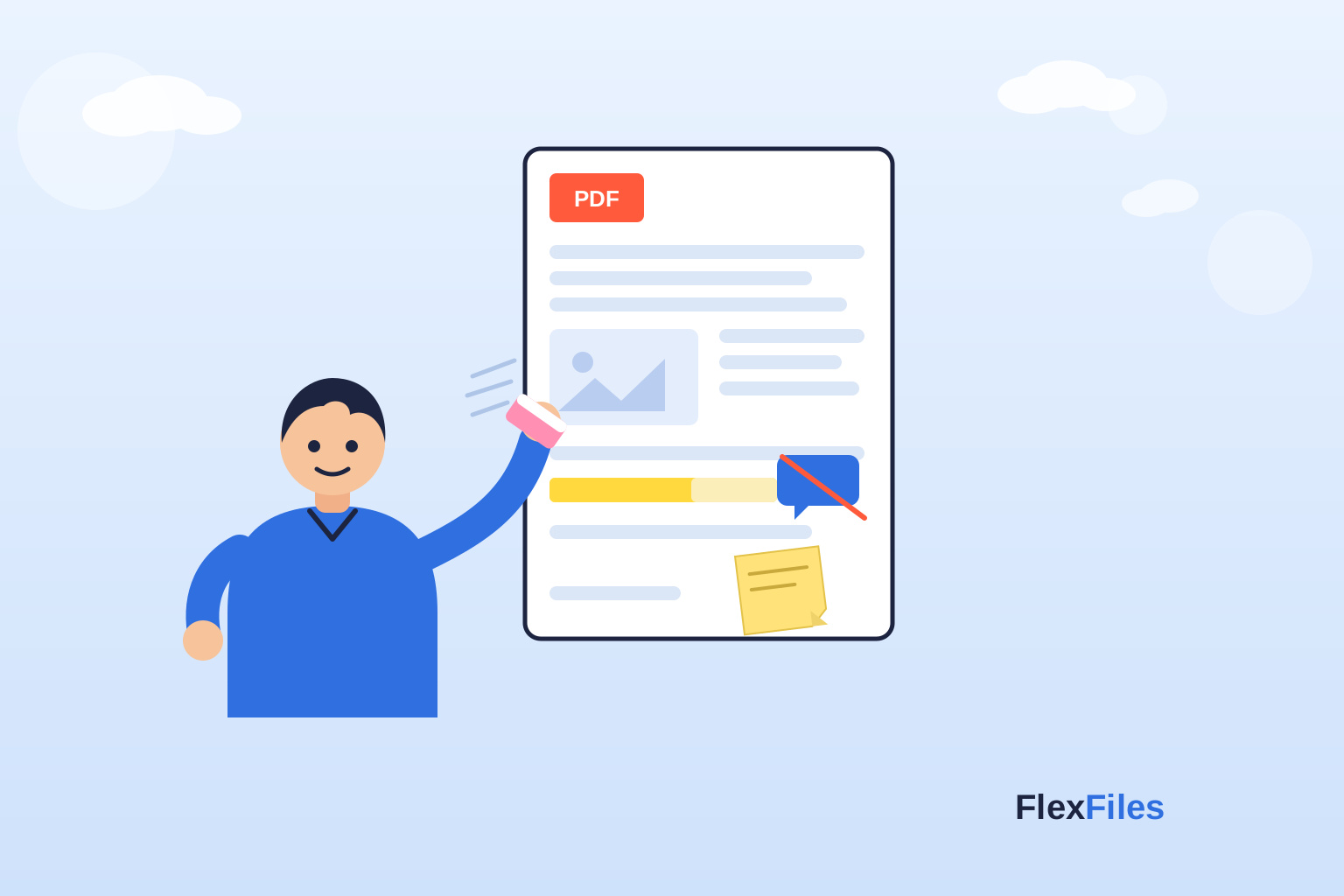
Combine free draw with highlights, shapes, and notes
Drawing is quick. Sometimes you need a label or a box too. FlexFiles makes it easy to combine tools:
- Draw to point. Use a circle, underline, or arrow.
- Highlight to scope. Show the exact phrase or figure.
- Add a short note. One action per note to keep it clear.
- Use shapes for tidy callouts when you need precision.
This trio speeds up reviews. It also improves final quality when you free draw on PDF online for teams.
Real workflows where drawing wins
- Design reviews: Sketch a margin. Outline a module. Draw arrows between components. Your scribbles explain the change in seconds.
- Math and science: Handwrite symbols and steps. Draw axes and curves. Mark units near values. It is faster than typing complex notation.
- Teaching and feedback: Underline key sentences. Draw a quick mind map. Mark a paragraph to rewrite. Students see exactly what to fix.
- Contracts and forms: Circle dates. Draw an arrow to a missing field. Place a simple checkmark when a section looks good.
- Meetings and brainstorms: Open the deck. Free draw on PDF online as the team talks. Save the session as notes you can share right away.
Security and privacy: why in-browser matters
Trust is the base layer. FlexFiles protects your work while you free draw on PDF online.
- No server storage: We do not store your files. Editing runs locally in your browser.
- Fewer risks: Local processing reduces exposure to third parties.
- Transparent model: Free to use. No hidden trials. No surprise paywalls for basics.
- Export control: Share selected pages or the full file. Remove annotations before final export if you need a clean copy.
You get speed and privacy without trade-offs.
Quality output: keep it crisp at export
The point of drawing is clarity. Your export must carry that clarity forward.
- Choose PDF for documents that others will review or print.
- Use PNG for slides, posters, or social posts that need sharp lines.
- Pick JPEG for smaller files when perfect edges are less critical.
- Check a sample page at 100% zoom after export. Adjust stroke width if lines look too thin.
When you free draw on PDF online with FlexFiles, your strokes embed cleanly into the page. That means fewer surprises later.
Common mistakes to avoid
- Wobbly lines from rushing. Zoom in and slow down for curves.
- Colors that blend with the background. Test visibility at 100% zoom.
- Micro-strokes that vanish at export. Bump width slightly for small notes.
- Too many marks. Draw only what guides the reader.
- No final pass. Do a last review and tidy up stray lines.
Small fixes here save big time later.
Conclusion
Handwriting adds speed and clarity. It turns vague notes into clear direction. With FlexFiles, you can free draw on PDF online with smooth lines and clean output. You keep privacy because editing stays in your browser. You keep control with simple tools and sharp exports. Use a mouse or stylus. Add arrows, circles, and quick labels. Pair drawings with highlights and short notes. Share a review copy or a polished final. Your documents will be easier to read and faster to finish—with less effort and more confidence.
Select 12 more words to run Humanizer.