Highlight PDF Text Online Without Downloading Software
Highlighting text in a PDF is one of the most common tasks for students, teachers, professionals, and anyone working with digital documents. Traditionally, you needed paid software like Adobe Acrobat to do this. But today, you can highlight PDF text online free in your browser without downloading or installing anything.
In this guide, we’ll walk you through how to highlight text online easily, why highlighting PDFs is useful, and why FlexFiles PDF Editor is the best free solution for this task.
Why Highlight Text in PDFs?
Highlighting is not just about making text yellow. It’s a powerful way to:
- Emphasize Important Information – Focus on key points in study notes or reports.
- Organize Documents – Color-code sections for clarity.
- Prepare for Exams or Meetings – Quickly scan highlighted sections later.
- Collaborate Effectively – Make important text stand out when sharing with others.
- Edit Smarter – Highlight areas that need changes or reviews.
Without highlights, scanning a large PDF can feel overwhelming.
Problems with Traditional PDF Highlighting
In the past, highlighting a PDF required heavy software or paid tools. Some common issues include:
- High Costs – Tools like Adobe Acrobat require a monthly subscription.
- Complexity – Advanced apps overwhelm users who just want to highlight text.
- Device Limitations – Downloaded software often doesn’t work across mobile and desktop.
This is why free, browser-based tools are gaining popularity.
FlexFiles: Free Online Tool to Highlight PDFs
FlexFiles PDF Editor is a powerful online editor that makes highlighting text simple and accessible. You don’t need to sign up, download apps, or deal with hidden fees.
Key Features:
- Highlight Text in Seconds – Choose a color and mark important areas.
- Multiple Colors – Organize with different highlight shades.
- Drag and Resize Elements – Flexible editing after highlighting.
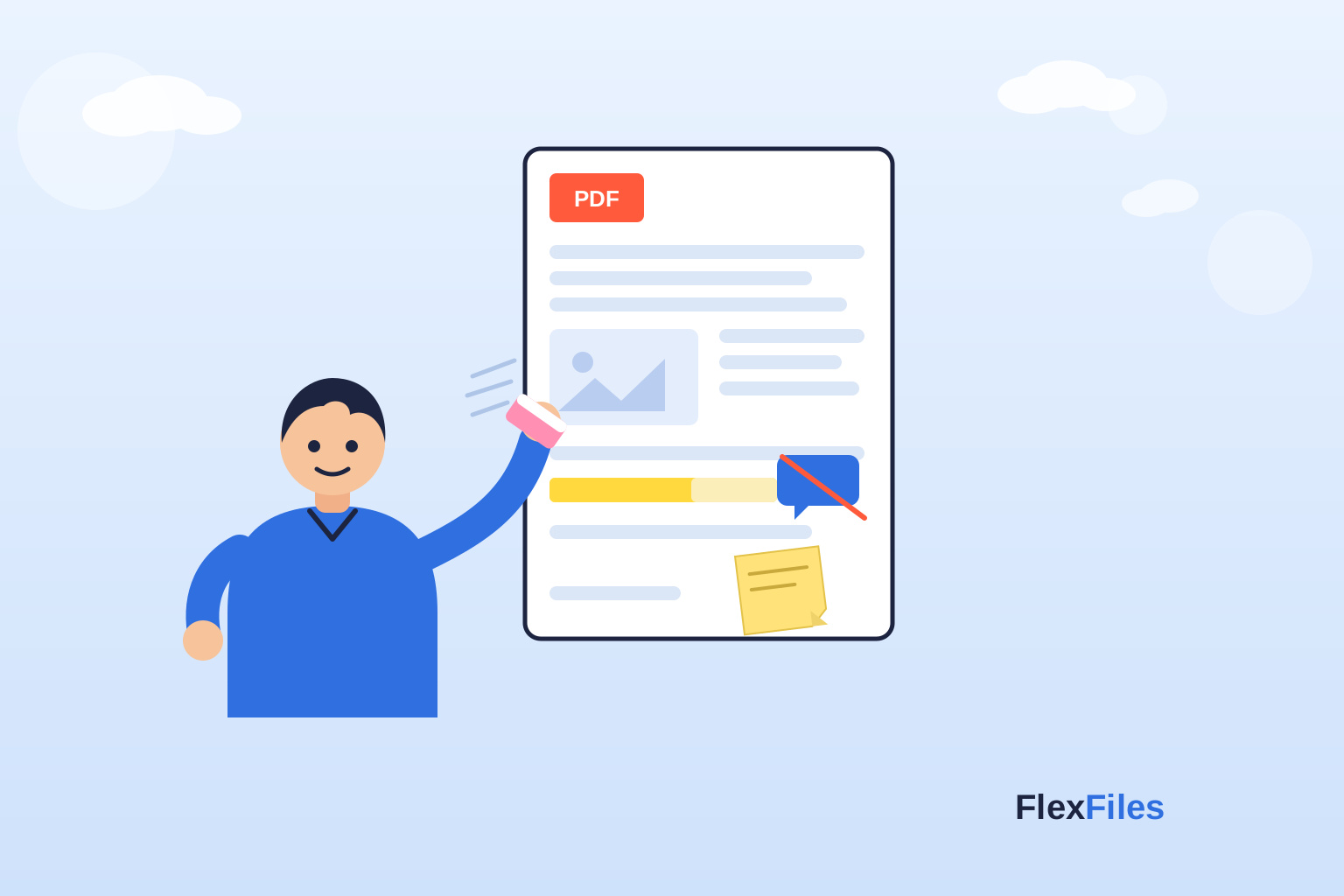
- Additional Tools – Add notes, shapes, or erase text alongside highlights.
- Cross-Platform – Works on any device with a browser.
- Export Options – Save as PDF, PNG, or JPG with your highlights included.
Step-by-Step Guide: Highlight PDF Text Online Free
Here’s how to highlight with FlexFiles:
- Visit the Editor – Go to FlexFiles PDF Editor.
- Upload Your PDF – Drag and drop your file.
- Select the Highlight Tool – Choose your highlight color.
- Mark Text – Click and drag to highlight words or paragraphs.
- Adjust as Needed – Resize or move highlights from the layers section.
- Export Your File – Save and download your highlighted PDF instantly.
That’s it—your document is ready with highlighted sections.
Advanced Highlighting Options
With FlexFiles, highlighting isn’t limited to basic yellow marks. You can:
- Color-Code Sections – Use different colors for categories or importance.
- Combine with Sticky Notes – Add comments alongside highlights.
- Layer Highlights with Other Elements – Move highlights forward or backward in layers.
- Highlight Across Merged PDFs – If you combine files, you can highlight them together.
This flexibility makes it useful for both personal and professional needs.
Benefits of Highlighting with FlexFiles
- Free Forever – No hidden costs or trials.
- No Installation – 100% online.
- User-Friendly – Simple enough for beginners.
- Versatile – Beyond highlighting, you can edit, merge, and secure files.
- Safe – Files are processed temporarily and not stored permanently.
Real-Life Use Cases
- Students – Highlight notes, textbooks, or research PDFs.
- Teachers – Emphasize important instructions in course materials.
- Business Professionals – Mark key contract terms before sending.
- Freelancers – Highlight client requests inside project PDFs.
- Readers – Save quotes and passages in eBooks or articles.
Conclusion
Highlighting PDF text should not be complicated or expensive. With FlexFiles PDF Editor , you can highlight PDF text online free without downloading any software.
Whether you’re a student preparing for exams, a teacher marking assignments, or a professional reviewing contracts, FlexFiles gives you the tools you need. Fast, free, and easy to use.
Next time you want to highlight important points in a PDF, skip the downloads and use FlexFiles right from your browser.