Remove and Replace Image Backgrounds Online
Introduction
A clean background can change the way an image looks. It can make a product photo look professional, a profile picture more polished, or a presentation slide more engaging. With the online background remover, you can easily take out unwanted backgrounds or replace them with something better. No design skills or heavy software is required.
Make Background Transparent for Professional Use
Transparent images are often required for logos, icons, and product listings. A transparent background gives flexibility to place the image on any surface without clashing colors. For example, if you run an online store, your product images will look neat and uniform when backgrounds are transparent. The background remover lets you quickly create high-quality transparent images that can be used across websites, documents, and marketing materials.
Replace Background with a Solid Color
Sometimes you may not want transparency. A solid color background can be more effective for design balance or branding. With the built-in color picker, you can choose any shade that matches your brand or project. This makes it easy to prepare images for resumes, ID photos, presentations, or social media profiles. Instead of using complex editing software, you can make these adjustments in seconds using the online background remover.
Change Background with a New Image
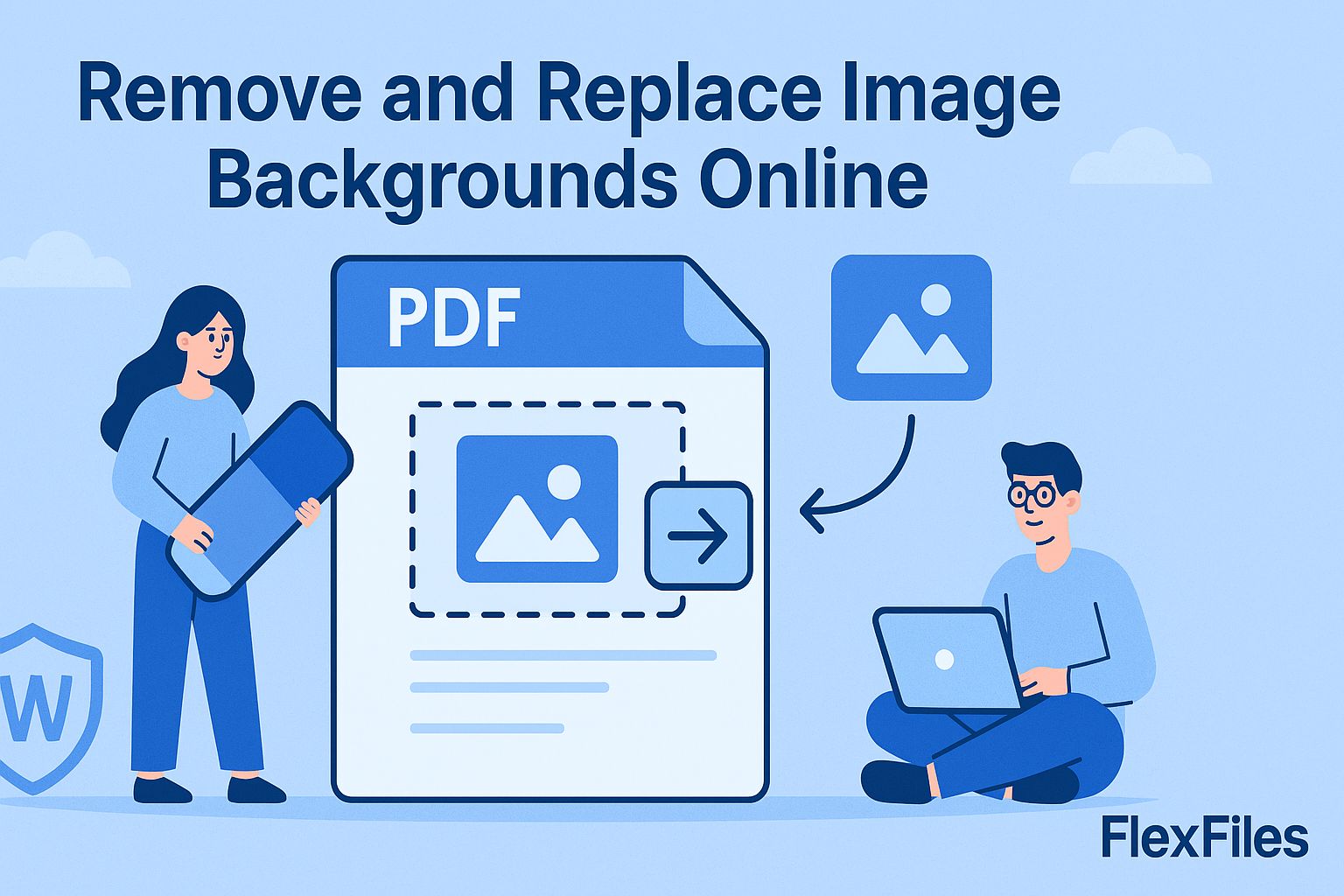
There are situations where replacing the background completely works best. For example, a travel blogger might want to replace a dull background with a scenic landscape. A business might want product shots placed against custom brand-themed graphics. The tool allows you to upload any new image and use it as a background, giving you creative control over how your final picture looks.
Real-Life Uses of Background Removal
Background editing is not just about aesthetics. It solves real problems in daily tasks:
- Students can prepare neat images for project submissions or presentations.
- Job seekers can make their resumes and LinkedIn photos look professional with a clean background.
- Small businesses can prepare product catalogs with consistent backgrounds for online sales.
- Content creators can design social media posts or YouTube thumbnails without needing advanced design tools.
Simple Steps to Get Started
Using the online tool is straightforward. Upload your image, choose whether to remove the background, apply a solid color, or add a new background image. The tool shows you a preview instantly. Once you are satisfied, you can download the final image or keep it stored for future access. Try the online background remover to experience how quick and efficient it is.
Conclusion
Removing or replacing backgrounds no longer requires professional editing software. With this free online tool, you can make your images transparent, add color, or use any custom background in just a few clicks. Whether for personal use, professional documents, or business branding, the background remover provides a practical and reliable solution.