Files
Convert Images Online – Fast and Free Image Format Converter
Try it yourself
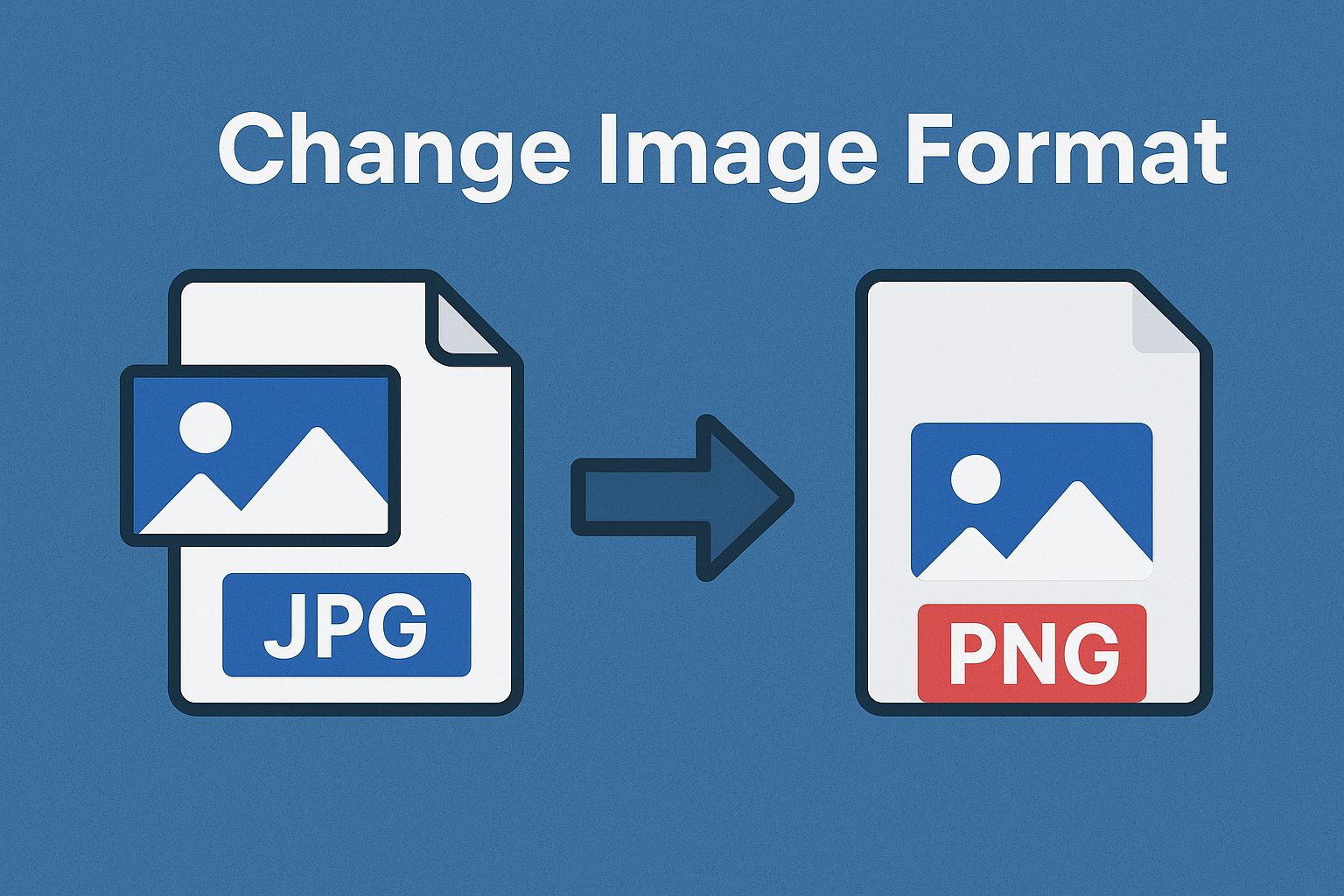
A PNG that needs to be a JPG. A BMP that should really be a WebP by now. Format mismatches like this shouldn't need software you have to install.
The FlexFiles Convert Image tool handles it in the browser — upload, pick a format, done.
Why the Format Matters
- Smaller files — JPG and WebP are lighter than PNG or BMP.
- Print quality — TIFF holds detail better for printing.
- Compatibility — some platforms only accept specific formats.
- Transparency — PNG, GIF, and WebP support it; JPG doesn't.
- Icons — converting to .ICO is how you get a usable favicon.
Formats Supported
- JPEG — small, web-friendly.
- PNG — transparency, higher quality.
- GIF — simple animations, low-color graphics.
- BMP — an older format still used by some software.
- TIFF — high quality, common for printing and archiving.
- WebP — modern, strong compression.
- ICO — icons for sites and apps.
- PPM / PGM / PBM — portable pixmap, graymap, and bitmap formats.
How to Convert
- Open the Convert Image tool.
- Upload your file.
- Choose the output format.
- Convert — it processes instantly.
- Download the result.
No installation, no watermark on the output.
Choosing the Right Format
- JPG for smaller photo files.
- PNG when you need transparency or lossless quality.
- GIF for simple animation.
- TIFF for professional printing.
- WebP for the best balance of size and quality.
- ICO for website or app icons.
Conclusion
Format shouldn't be the thing standing between you and using an image. FlexFiles converts between JPG, PNG, GIF, BMP, TIFF, WebP, and ICO — free, fast, and on any device.