Files
Compress PDF Online Free with FlexFiles
Try it yourself
A PDF that's too big is a specific kind of annoying: it stalls in email, chews through storage, or just fails to upload.
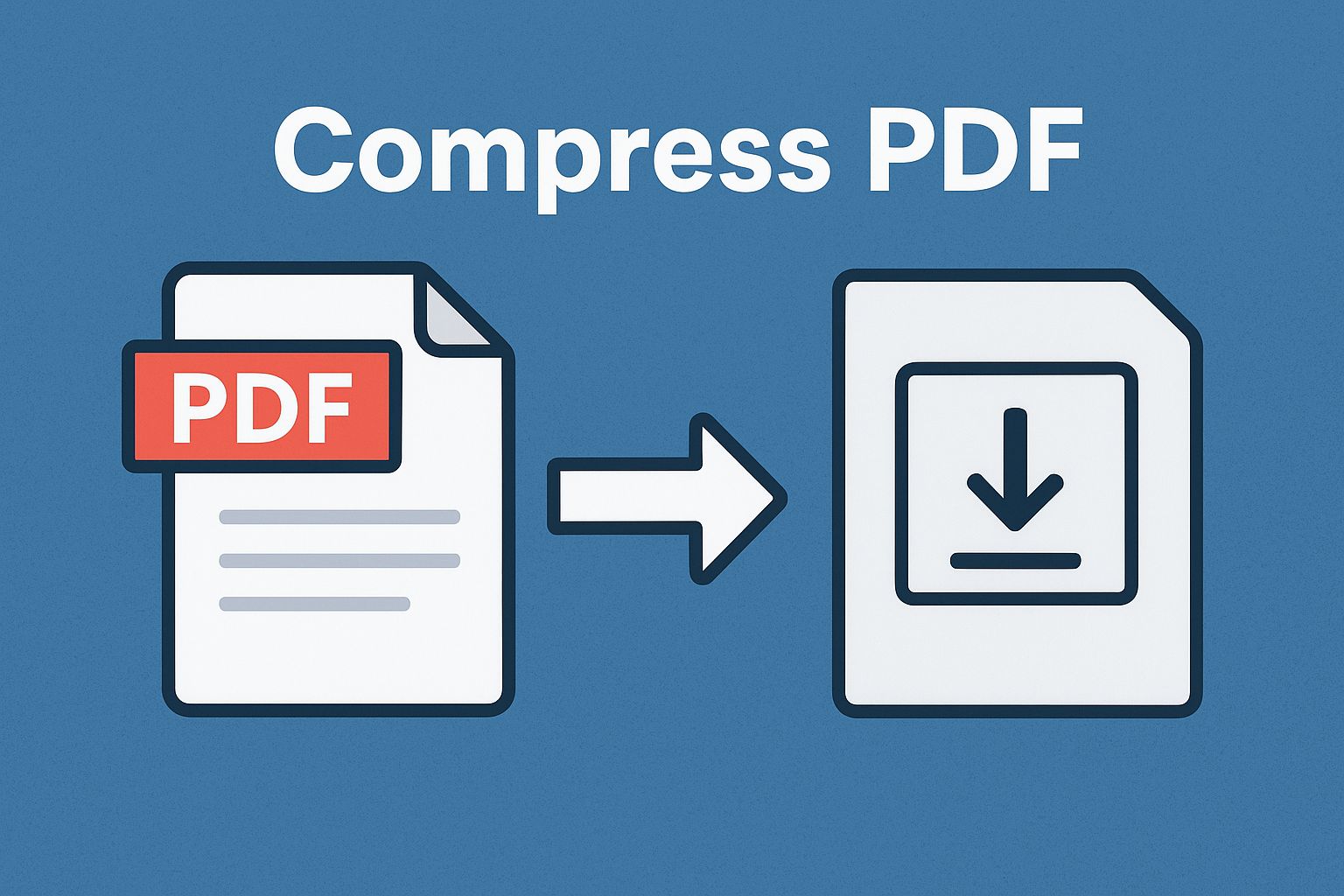
FlexFiles Compress PDF shrinks the file without guessing at the result — you preview it before you commit, choose how aggressive the compression is, and nothing requires an account.
When File Size Becomes the Problem
- Students emailing scanned notes hit the attachment size limit.
- Professionals uploading a long report to a slow platform watch the progress bar crawl.
- Site owners need smaller PDFs so pages load faster.
- Teams archiving documents run into storage limits sooner than expected.
How to Compress a PDF in FlexFiles
- Upload your PDF, or drag it in.
- Pick a compression level: basic or strong.
- Preview the result before downloading.
- Download the file, or create a link with a password or expiry.
The file is uploaded over HTTPS and compressed on our servers.
What Sets This Apart
- Free — no hidden tier, no fee per file.
- Private — encrypted processing, nothing stored after.
- Two compression levels — you decide how much to trade size for quality.
- Real preview — see the result before you download it, not after.
Where This Actually Helps
- Scanned lecture slides that need to stay readable but shrink to email-size.
- High-resolution catalogs or manuals that need to be uploaded somewhere with a size cap.
- PDFs embedded on a website, where a smaller file means a faster page.
- Sending a report over a slow connection without watching it time out.
Choosing a Compression Level
- Basic — for text-heavy documents with few images, where quality loss should be nearly invisible.
- Strong — for image-heavy files, when size matters more than pixel-perfect fidelity.
Always check the preview before finalizing, and keep the original file until you're sure the compressed version does what you need.
Conclusion
A file that's too big to send is a solvable problem, not a reason to redo your work. FlexFiles Compress PDF shrinks it online, with a preview so you know exactly what you're getting.