Flatten PDF Online Free with FlexFiles
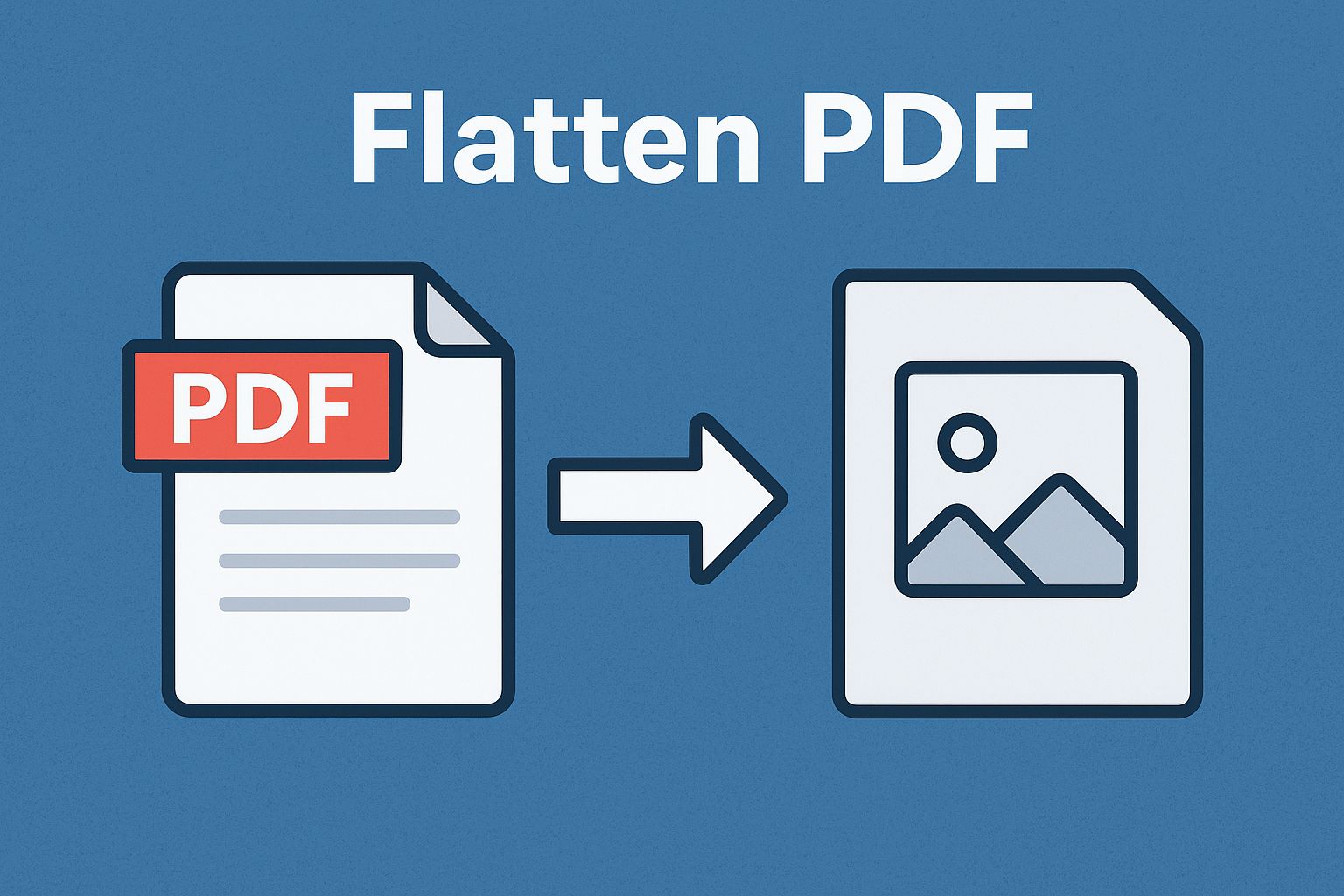
Form fields, annotations, transparent images — a PDF built from layers can shift or break depending on what opens it. Flattening merges everything into one fixed layer, so what you see is what everyone sees.
FlexFiles Flatten PDF does this online. Upload the file, flatten it, and the result is locked and stable — no sign-up, no install.
What Flattening Actually Does
It merges every layer — text, images, annotations, form fields — into one non-interactive layer. The result can't be edited, prints the same everywhere, and looks identical regardless of the device or viewer that opens it.
Where This Comes Up
- Filled forms and contracts — flattening locks the answers in, so nothing can be quietly changed after signing.
- Print-ready files — a flattened layout won't shift between viewers.
- Cross-device sharing — removes the compatibility issues layered or interactive elements can cause.
- Smaller files — merged layers often shrink the file, not just simplify it.
How to Flatten a PDF in FlexFiles
- Open FlexFiles Flatten PDF.
- Upload your file — drag it in or select it.
- The tool merges layers, annotations, and form fields into one.
- Preview the result.
- Download it, or share a link with a password or expiry.
Files are uploaded over HTTPS and processed on our servers, with nothing to install.
What You Get
- Free — no cost, no watermark.
- Private — processed in-browser, not uploaded permanently.
- Consistent everywhere — works the same on desktop, mobile, or any OS.
- Print-accurate — complex layouts flatten exactly as designed.
- Forms finalized — a fillable form becomes read-only, preserving what was entered.
Before You Flatten
Preview the result first. If there's a chance you'll need to edit the form fields or layers again later, keep an unflattened copy — flattening isn't reversible. Adding password protection on top is worth considering if the file is also sensitive.
Conclusion
Flattening isn't a cosmetic step — it's what makes a PDF behave the same everywhere it's opened. FlexFiles Flatten PDF does it free, online, in one pass.